Pinkbike.com
Powered by Outside

Video player is disabled while the embed window is open.
Copy and paste the HTML code below:
Color:
Size: X
|
| |
JKW's Transprovence Entry
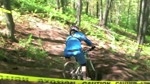
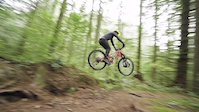
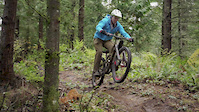
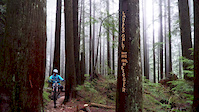
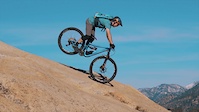
Filmed entirely on GoPro cameras, this is my entry for the Transprovence contest. I'm no professional video guy, but I did put a lot of effort into this, and learned a ton. Thanks for watching!

6,311
Views
15
Comments
23
Favs
Video info
- Date Posted
- Aug 16, 2013 at 9:21Aug 16, 2013
- Category
- Mavic Trans-Provence
- Location
-
Santa Cruz, California, United States

15 Comments
- + 2
tomoman
(Aug 18, 2013 at 13:06)
great video! greets from Poland  can you tell what software you used? I tried few to my gopro movies, but there is always something wrong and the quality is not so good like in your video.
can you tell what software you used? I tried few to my gopro movies, but there is always something wrong and the quality is not so good like in your video.- + 2
Thanks Tom! Just getting going with my Pinkbike account here. I used a GoPro Hero 2 and a Hero 3- the 3 has way better clarity here in shadowy Santa Cruz. For editing, I used Adobe Premiere Pro. I think what matters most are the compressions settings. Normally I would use the PB recommended settings, but Premiere doesn't use Quicktime to compress- it has it's own sort of compressor built into the program. I watched a Youtube how-to video about Premiere Exporting/Compression for Youtube and just mirrored what they recommended. It seems to have worked, though I think there is still room for improvement.
The audio is all torn up and scratchy here on PB, but on my computer it sounds normal. I dunno why, this was my first time trying to record a voice over. Time for more how-to videos!
The audio is all torn up and scratchy here on PB, but on my computer it sounds normal. I dunno why, this was my first time trying to record a voice over. Time for more how-to videos!
- + 1
that follow cam was some of the fastest, smoothest and best filmed action shooting i have ever seen.
- + 1
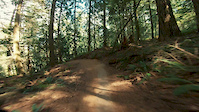
Thank you! GoPro chesty mount for the following cam, and for the "leading cam" (we call it a "butt cam") I used a K-Edge Go Pro mount under the saddle.